

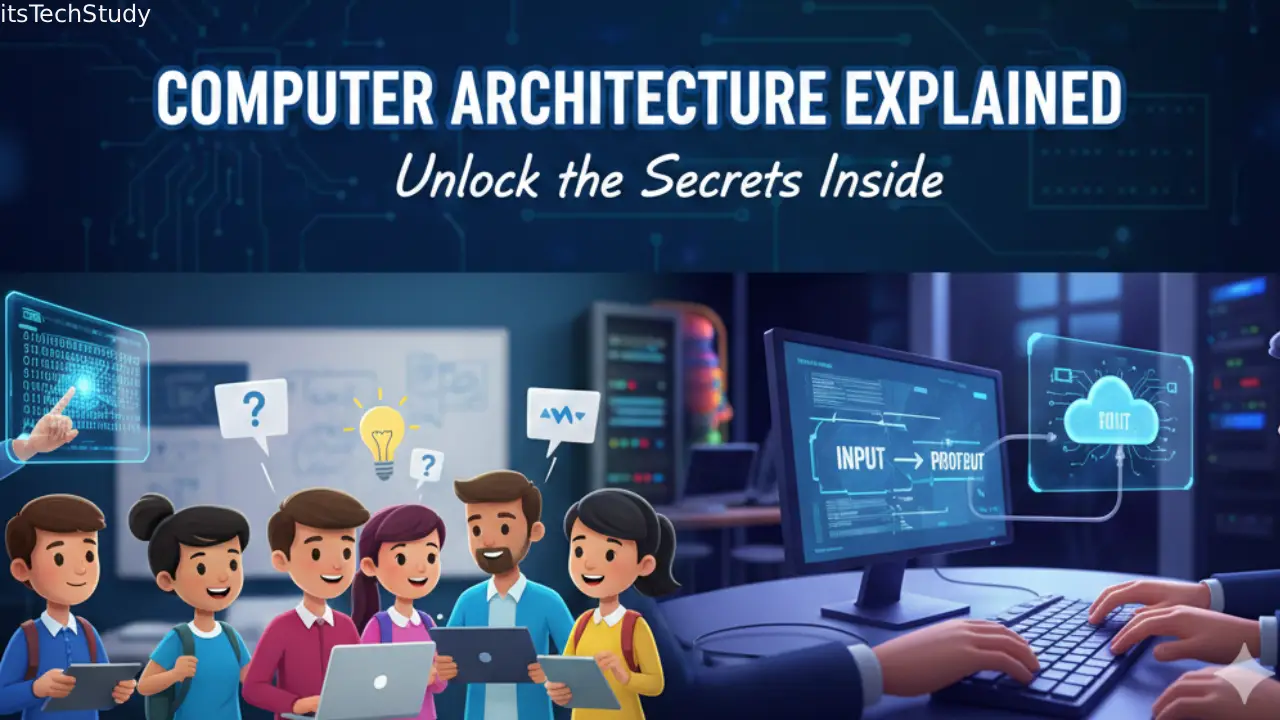
Introduction: Why Understanding Computers Still Matters in 2025 and Beyond
In a world where smartphones unlock with a glance, AI assistants can write entire documents, and laptops are lighter than books, it’s easy to take computers for granted. Most people use them every day – for schoolwork, jobs, entertainment, shopping, and more – yet only a fraction truly understands how they work behind the scenes.
Today’s technology runs on an intricate blend of hardware, software, electricity, logic, and engineering genius. And although devices evolve rapidly – from bulky desktops to powerful mini PCs – the fundamentals of how a computer works remain surprisingly consistent..
However, not knowing these fundamentals creates challenges:
- Students struggle to build strong computing foundations.
- Tech enthusiasts often hit learning plateaus while exploring coding, building PCs, or experimenting with hardware.
- Everyday users face difficulty diagnosing problems or making smart buying decisions.
- The rapid rise of AI and automation demands deeper digital literacy than ever before.
This is exactly why learning how a computer works – at a basic or intermediate level – is no longer optional. It’s an essential skill, similar to understanding how a car engine works before driving long distances.
In this comprehensive guide, we’ll break down the entire system in a natural, friendly, and engaging way so that anyone – beginner or hobbyist – can confidently say: Yes, I finally understand how a computer works.
How a Computer Works: The Complete Breakdown
What Exactly Is a Computer?
At its core, a computer is a machine that processes data. It accepts input, stores it, processes it using instructions, and outputs meaningful results. This process is known as the IPO Cycle:
- Input – Getting information into the machine
- Processing – Working on that information
- Output – Sending results to the user
- Storage – Keeping information for future use
This basic flow is the foundation of all modern devices – whether you’re using a gaming PC, a smartwatch, or a self-driving car’s onboard computer.
Major Components of a Computer and How They Work Together
The Motherboard: The Nervous System of the Machine
Think of the motherboard as the central highway system connecting all other components. Every signal, command, and data packet travels through it.
Key Functions of the Motherboard
- Provides electrical connections
- Ensures communication between CPU, RAM, and storage
- Houses expansion slots for future upgrades
- Contains firmware (BIOS/UEFI) that boots your computer
Without the motherboard, a computer is simply a box of parts with no coordination.
The CPU: The Computer’s Brain
The Central Processing Unit (CPU) handles all major calculations and logic operations. When you open an app, load a webpage, or run a game, the CPU decides what happens and when.
How the CPU Works Internally
- Fetch – Gets instructions from memory
- Decode – Understands what the instructions mean
- Execute – Performs the operation
- Store – Saves results for later
Why Clock Speed & Cores Matter
- Clock speed (GHz): Determines how fast instructions run
- Cores: Let the CPU perform multiple tasks simultaneously
A multi-core CPU is like having several smaller brains working together.
RAM: Short-Term Memory of the Computer
Your computer’s Random Access Memory (RAM) determines how many tasks or programs can run at once.
Why RAM Matters
- Stores temporary data
- Prevents system slowdown
- Helps multitasking
- Reduces load times
When RAM is full, programs crash or slow down, because the CPU must offload data to slower storage drives.
Storage Devices: Long-Term Memory
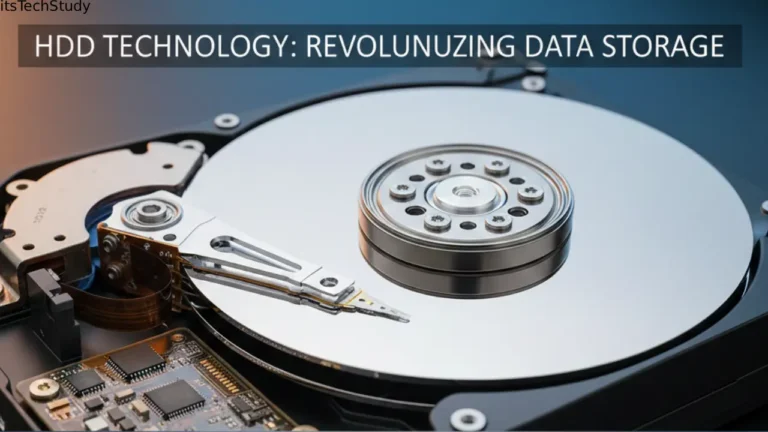
This includes HDDs (Hard Disk Drives) and SSDs (Solid State Drives).
HDD vs SSD Comparison Table
| Feature | HDD (Hard Disk Drive) | SSD (Solid State Drive) |
|---|---|---|
| Speed | Slower | Extremely fast |
| Durability | Moving parts, less durable | No moving parts, highly durable |
| Noise | Audible spinning | Silent |
| Cost | Cheaper | More expensive |
| Best For | Large storage needs | Performance + speed |
Most modern PCs use SSDs because they provide fast boot times and smooth overall performance.
GPU: The Graphics Powerhouse
A Graphics Processing Unit (GPU) handles visual rendering. It’s especially important for:
- Gaming
- Video editing
- 3D modeling
- AI workloads
- Machine learning
- High-resolution displays
Unlike CPUs, GPUs have thousands of smaller cores, making them perfect for parallel processing.
Power Supply Unit (PSU): The Energy Source
The PSU converts AC power from the wall into DC power the computer can use.
Why the PSU Is Crucial
- Ensures stable power to all components
- Prevents damage from electrical irregularities
- Determines the upgradability of graphics cards and other parts
A weak PSU is like trying to run a refrigerator on a phone charger — it just won’t work.
Cooling System: Preventing Overheating
Computers generate heat. Without proper cooling, performance drops or components fail.
Cooling Types
- Air cooling: Fans + heat sink
- Liquid cooling: Tubes filled with coolant
- Thermal paste: Improves heat transfer from CPU to cooler
Proper cooling extends component lifespan and prevents thermal throttling.
How Software Works with Hardware
A computer’s hardware needs software to instruct it. This starts with the operating system.
Operating System (OS): The Master Controller
Examples: Windows, macOS, Linux, ChromeOS.
Major Roles of the OS
- Manages hardware resources
- Runs applications
- Handles security
- Provides a user interface
- Controls storage and memory allocation
Without an OS, a computer is a powerless box.
Applications and Programs
Apps turn the computer into a versatile tool. Examples include:
- Browsers
- Games
- Video editors
- Coding tools
- Office software
Each application tells the CPU what to do through coded instructions.
How Data Travels Inside a Computer
The Boot Process Explained
Here’s what happens when you press the power button:
- PSU sends power to all components
- BIOS/UEFI initializes hardware
- System checks for bootable storage
- OS begins loading
- User interface appears
All of this happens in seconds – thanks to modern SSDs and optimized processors.
Understanding Input and Output Devices (I/O)
Input Devices
These bring information into the computer:
- Keyboard
- Mouse
- Microphone
- Scanner
- Webcam
- Touchscreen
Output Devices
These send information out:
- Monitor
- Speakers
- Printers
- Projectors
Both input and output devices rely on drivers to communicate with the OS.
Pros and Cons of Learning How Computers Work
Pros
- Enhances digital literacy
- Helps troubleshoot problems
- Allows smarter purchasing decisions
- Boosts confidence in technology
- Builds foundation for programming, IT, and engineering
Cons
- Can feel overwhelming for beginners
- Requires effort and time
- Rapidly evolving technology means frequent updates
Common Misconceptions About How Computers Work
- “Bigger storage means a faster computer.”
– Speed depends on CPU, RAM, and SSD, not storage size. - “More RAM always fixes lag.”
– Sometimes the CPU or storage is the bottleneck. - “Only gamers need GPUs.”
– Programmers, designers, and AI learners also benefit. - “Shutting down frequently damages the PC.”
– It actually keeps the system healthy.
Tips for Students and Tech Enthusiasts Learning Computer Fundamentals
1. Learn the Basics of Hardware First
Know what each part does before diving into advanced tech.
2. Practice by Opening and Exploring a PC
A hands-on look at parts boosts confidence.
3. Experiment with Free Tools
Use CPU-Z, HWMonitor, or task managers to observe how your system works.
4. Follow YouTube Tutorials and Tech Blogs
Visual explanations accelerate learning.
5. Try Building a PC (Even Virtually)
Many websites let you simulate PC building for practice.
Conclusion: Becoming Computer-Savvy Is a Superpower
Understanding how a computer works is more than a technical skill – it’s a modern necessity. Whether you’re a student preparing for your future career or a tech enthusiast hungry for knowledge, knowing the inner workings of your machine empowers you to troubleshoot issues, choose better devices, and explore advanced fields like coding, robotics, and AI.
Computers might seem complicated at first, but once you break them down into parts – CPU, RAM, storage, motherboard, software – everything becomes easier to understand. And the more you learn, the more confident you become in navigating our fast-changing digital world.
So, start exploring, stay curious, and keep experimenting – your journey into the fascinating world of computers has only just begun.

About the Author
Tobias Hale is a technology writer and software analyst with a sharp eye on the ever-evolving world of digital innovation. With a deep passion for clean code, secure systems, and emerging technologies, Tobias brings clarity to complex topics - from the latest in operating system updates to cutting-edge software security practices.
Frequently Asked Questions (FAQ)
Q1: What is the most important part of a computer?
Ans: While all components are essential, the CPU acts as the “brain,” making it the most crucial for processing tasks. However, the right balance of CPU, RAM, and storage ensures smooth performance.
Q2: How much RAM is enough for students?
Ans: For most students, 8GB is sufficient for schoolwork, browsing, and streaming. But tech enthusiasts or multitaskers should consider 16GB for optimal performance.
Q3: Is SSD better than HDD for speed?
Ans: Yes. SSDs offer faster boot times, quicker app launches, and smoother overall performance. HDDs are only suitable for cheap and large-capacity storage.
Q4: Why does my computer slow down over time?
Ans: Slowdowns can occur from: Low RAM Full storage Too many startup programs Malware Old hardware Thermal throttling Cleaning and optimizing your system often helps.
Q5: Can I learn how a computer works without buying components?
Ans: Absolutely! There are countless online simulators, videos, articles, and virtual PC-building tools that make learning easy and accessible.
Q6: How long does it take to learn computer fundamentals?
Ans: With consistent study, most students understand the basics within a few weeks. Deeper knowledge may take months, but it’s worth the effort.




No Comments Yet
Be the first to share your thoughts.
Leave a Comment