

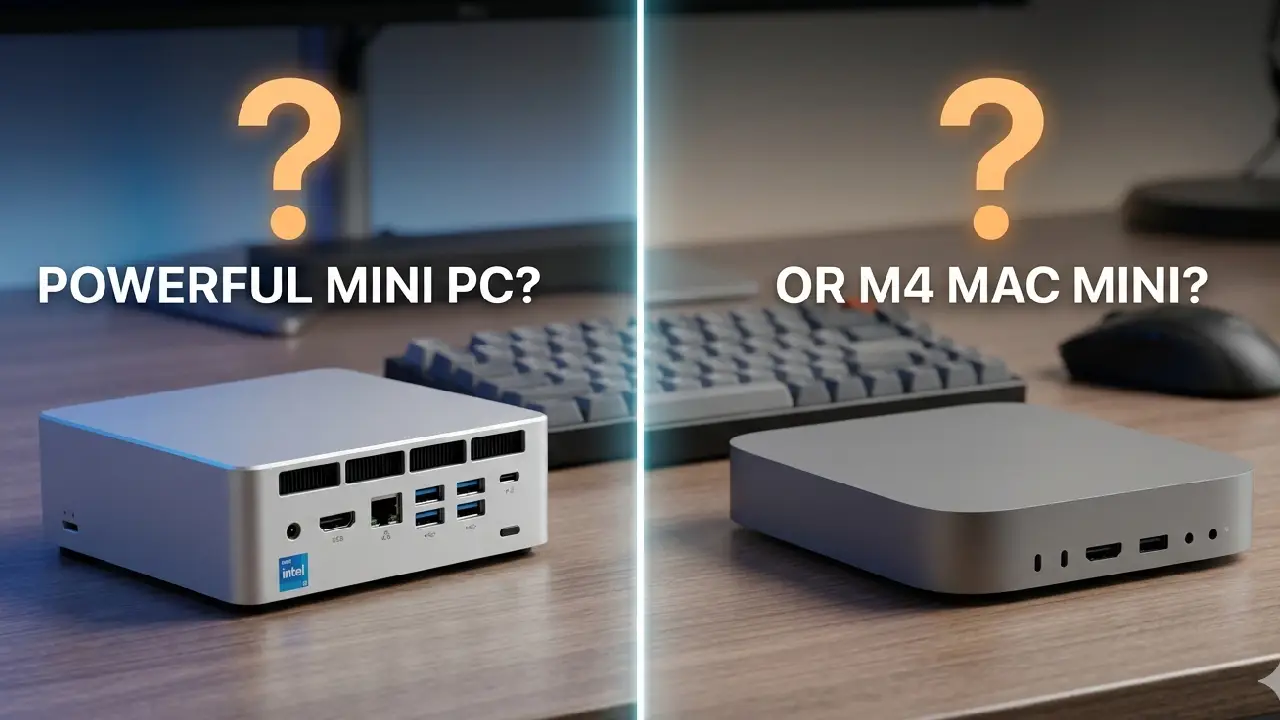
A lot of people are buying hardware for local AI the same way they used to buy gaming PCs.
That’s the mistake.
Two years ago, if you wanted “AI performance,” the answer was simple: get the biggest NVIDIA GPU you could afford. But now beginners are watching YouTube demos of tiny computers running large language models locally and thinking:
“Wait… why is this tiny Mac Mini running AI faster than my giant desktop?”
I’ve seen people spend ₹1.5–2 lakh on bulky desktop builds for local AI experiments they barely use — while someone else quietly runs Ollama, coding assistants, Whisper transcription, and even small image models on a compact machine sitting beside their monitor.
And honestly?
A surprising number of beginners are buying the wrong machine because they’re optimizing for specs instead of workflows.
The real question is not:
- “Which machine is more powerful?”
- “Which has more RAM?”
- “Which benchmark wins?”
The real question is:
What kind of local AI work are you actually going to do every day?
Because the answer completely changes which machine makes sense.
The Big Shift Nobody Explains Properly
A few years ago, local AI mostly meant researchers, CUDA, Linux terminals, and giant GPUs.
Now?
Local AI has become practical for normal developers, students, creators, and even solo founders.
People are using local AI for:
- Running coding assistants
- Offline chatbots
- Private document analysis
- AI transcription
- Voice workflows
- Local RAG systems
- AI note-taking
- Small automation agents
- Running models through Ollama or LM Studio
And this changed the hardware equation dramatically.
The Mac Mini M4 and modern Ryzen AI mini PCs are targeting completely different experiences.
Most comparison videos miss that.
The Two Types of Buyers
In my experience, almost every beginner falls into one of these categories:
| Buyer Type | What They Actually Need |
|---|---|
| “I want AI to help my daily work” | Smooth, quiet, reliable local AI |
| “I want maximum experimentation freedom” | Upgradeable GPU-focused system |
The problem starts when people buy category #2 hardware for category #1 usage.
That’s how you end up with:
- A loud desktop under your desk
- GPU driver issues
- High idle power usage
- Heat problems
- CUDA troubleshooting
- Barely using 20% of the machine
I made this mistake once with a large desktop build for AI experimentation. The machine was objectively powerful.
But I stopped using it regularly because it felt like “starting a lab” every time I wanted to test something.
Meanwhile, the smaller machine beside my monitor became the one I used daily.
That taught me something important:
Convenience massively affects how often you actually use local AI.
And most benchmarks completely ignore that reality.
Mac Mini M4: Why Beginners Are Suddenly Choosing It
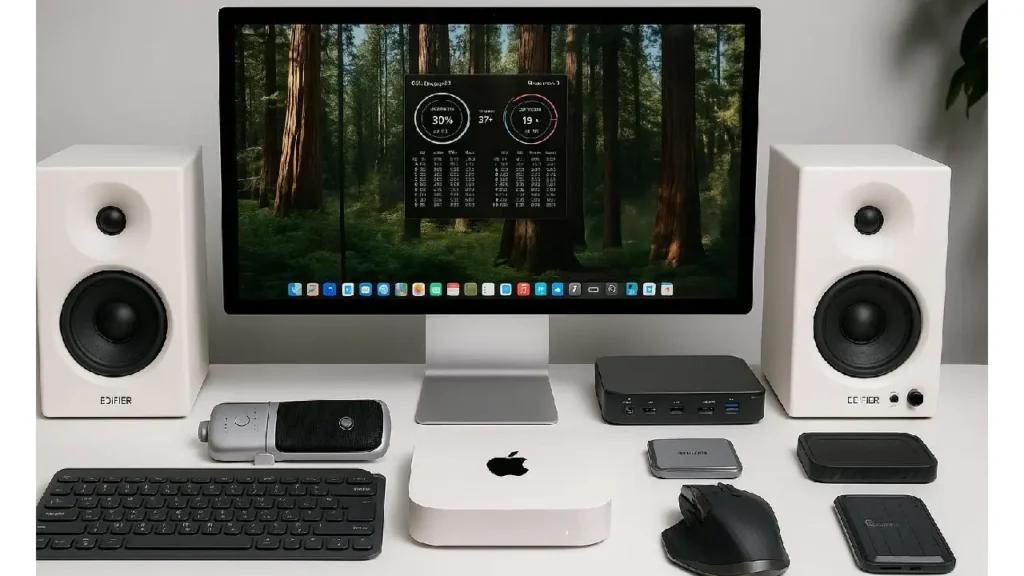
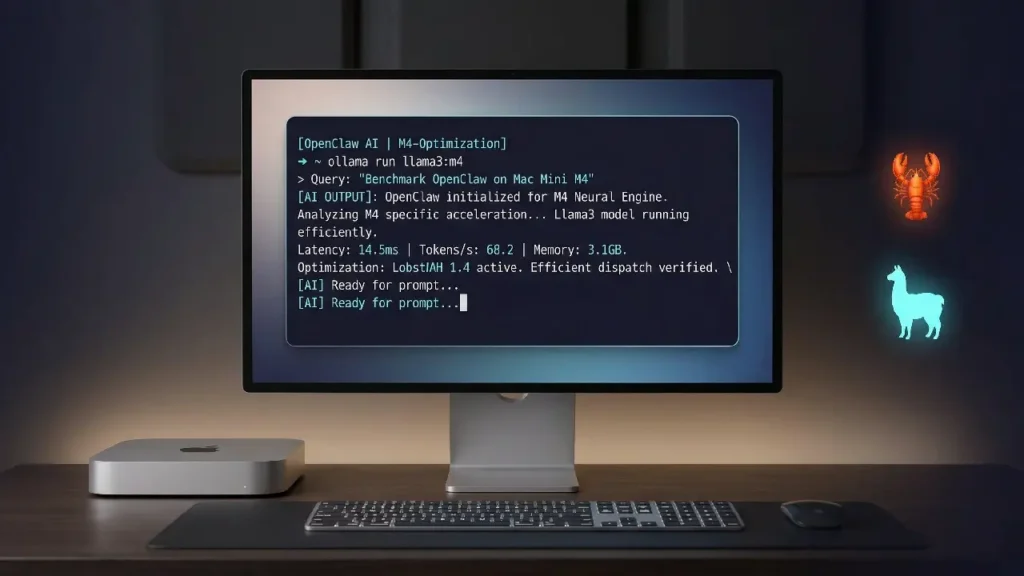
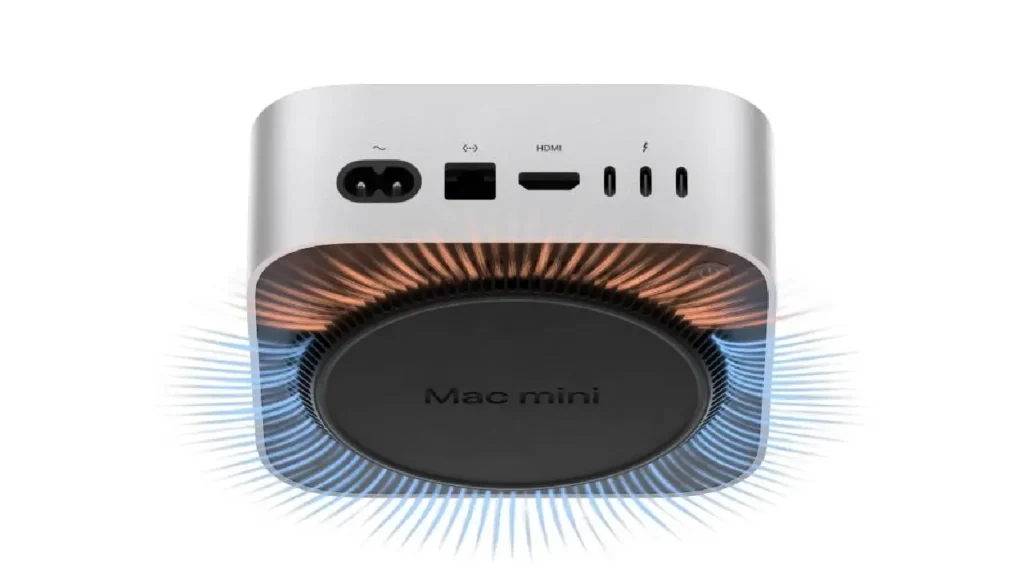
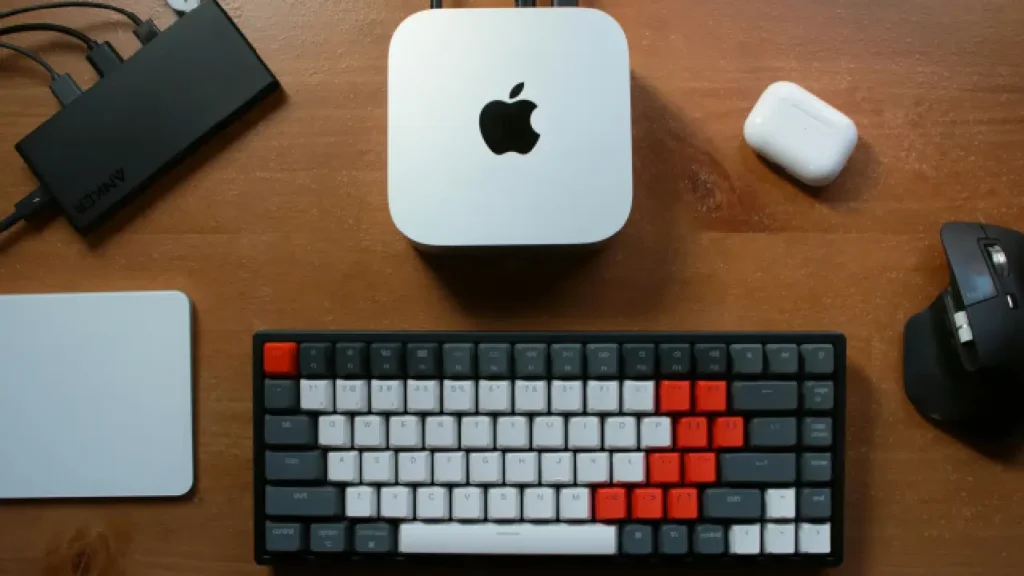
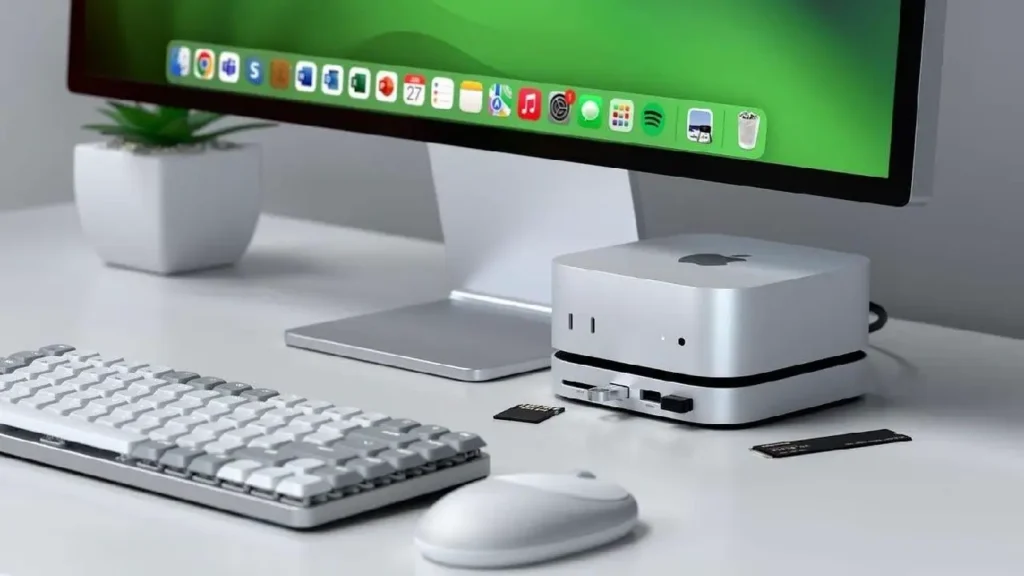
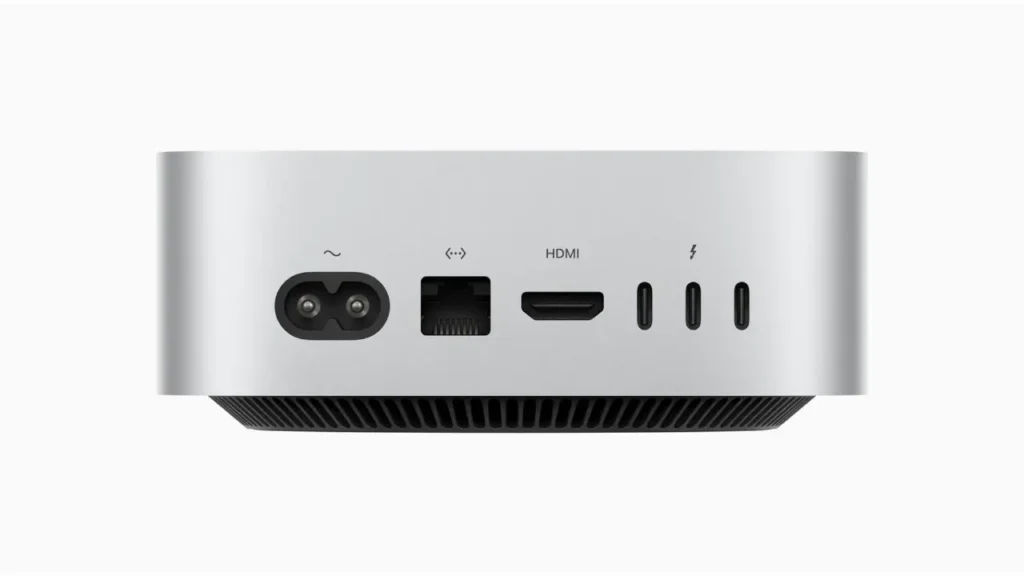
The Mac Mini M4 is becoming the “default local AI machine” for many beginners for one simple reason:
Unified memory.
This matters more than most people realize.
On a normal PC:
- CPU RAM and GPU VRAM are separate
- AI models usually need VRAM
- When VRAM fills up, performance collapses
On Apple Silicon:
- Memory is shared
- The GPU can access the full memory pool
- Larger models become practical on small machines
That’s why a 32GB or 64GB Mac Mini can sometimes run models that would normally require expensive GPUs.
That sounds magical at first.
But there’s nuance.
What the Mac Mini M4 Is REALLY Good At
Excellent for:
- Ollama
- LM Studio
- Local coding assistants
- Whisper transcription
- Stable diffusion experimentation
- AI writing workflows
- RAG systems
- Always-on local assistants
- Quiet office setups
Surprisingly good at:
- Running 7B–14B models smoothly
- Running multiple lightweight AI tools simultaneously
- Low-power 24/7 AI servers
Not great at:
- Heavy CUDA-dependent workflows
- Advanced AI training
- Large-scale fine-tuning
- Maximum Stable Diffusion performance
- Frequent GPU experimentation
This is where YouTube hype becomes misleading.
A lot of creators imply the Mac Mini replaces high-end AI desktops.
It doesn’t.
It replaces a certain category of AI desktop.
That distinction matters.
One Non-Obvious Advantage: AI Feels “Appliance-Like”
This is one insight most reviews miss.
The Mac Mini changes AI from:
“A technical project”
into:
“A normal everyday tool.”
That sounds subtle, but it changes behavior.
When I tested local AI on Windows mini PCs, I spent more time tweaking:
- Drivers
- CUDA versions
- ROCm compatibility
- Docker issues
- Power profiles
On Apple Silicon, I mostly just opened Ollama and worked.
For beginners, that difference is enormous.
Especially if your goal is productivity instead of experimentation.
Mini PCs: The Better Choice for Tinkerers and GPU Freedom
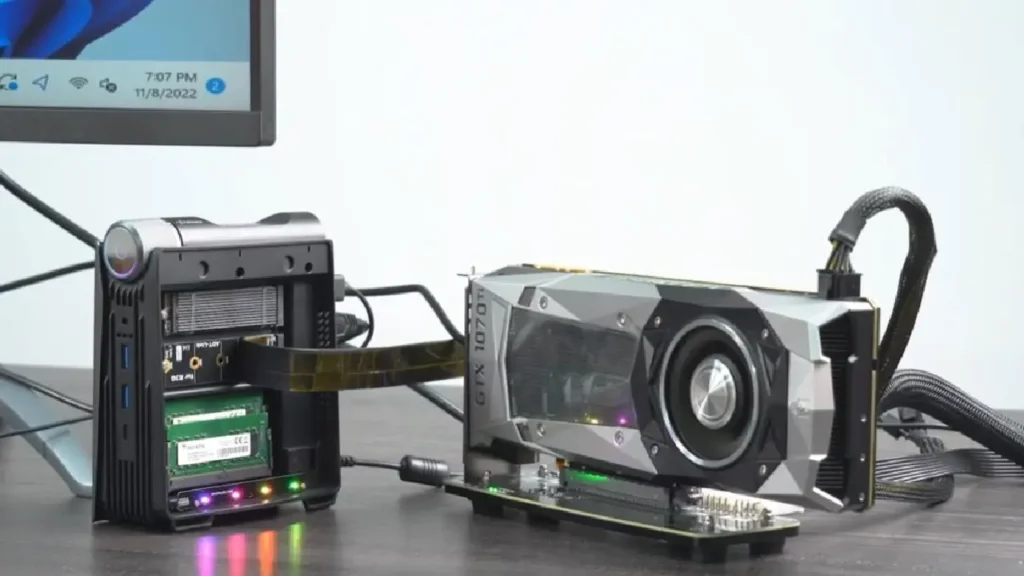
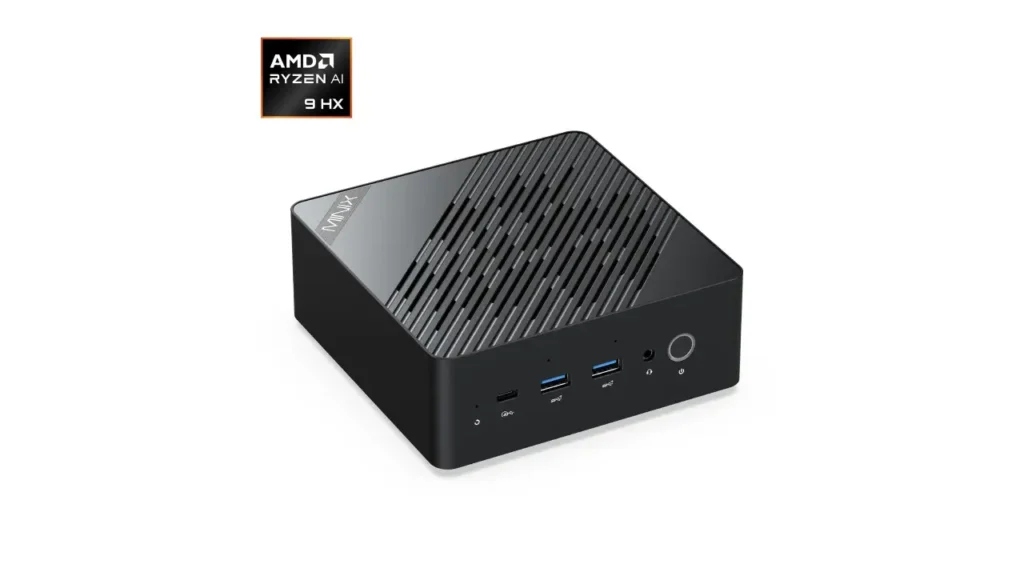
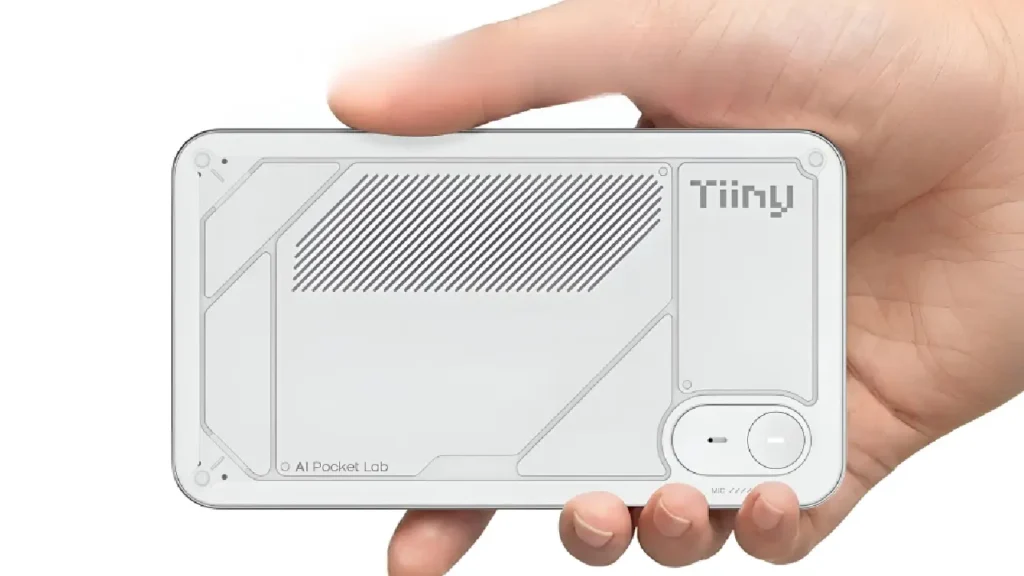
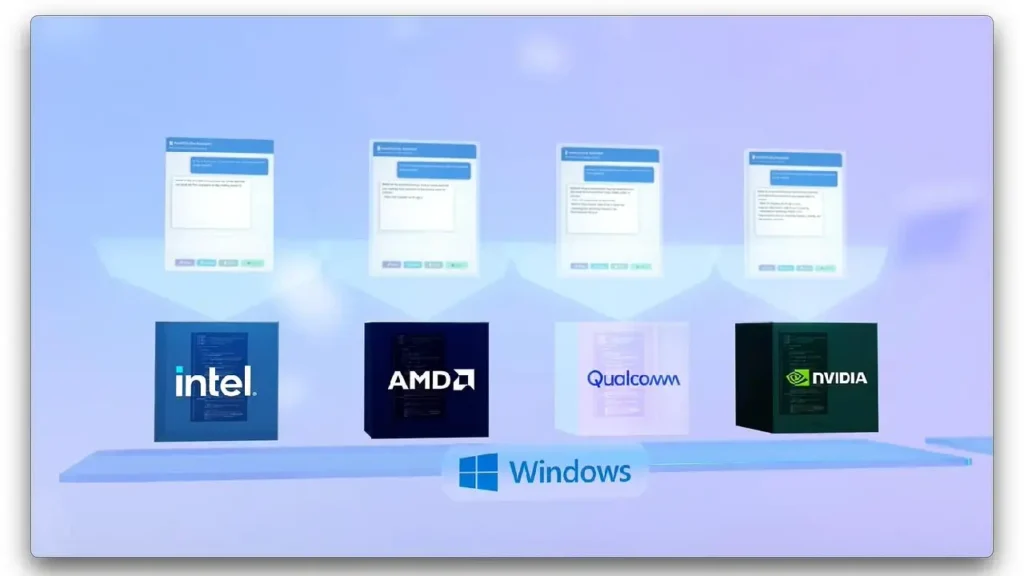
Now let’s talk about modern mini PCs.
Especially AMD Ryzen AI systems and compact desktops.
These are often better if you:
- Want Linux flexibility
- Need upgradeability
- Care about gaming too
- Want NVIDIA GPU support later
- Prefer open ecosystems
- Experiment heavily with AI frameworks
And here’s the important part:
Mini PCs are not automatically cheaper anymore.
Once you add:
- More RAM
- Better cooling
- Faster SSDs
- External GPU setups
…the price can quickly approach Mac Mini territory.
The eGPU Trap Most Beginners Don’t Expect
Here’s one practical lesson I learned the hard way.
Many people buy mini PCs thinking:
“I’ll just add an external GPU later.”
Sounds smart.
But in reality:
- eGPUs are expensive
- Bandwidth bottlenecks exist
- Compatibility can be annoying
- The setup becomes less portable
- Noise increases significantly
At that point, you’ve recreated a desktop — just in a more awkward form.
This doesn’t mean eGPUs are bad.
But beginners often underestimate the friction.
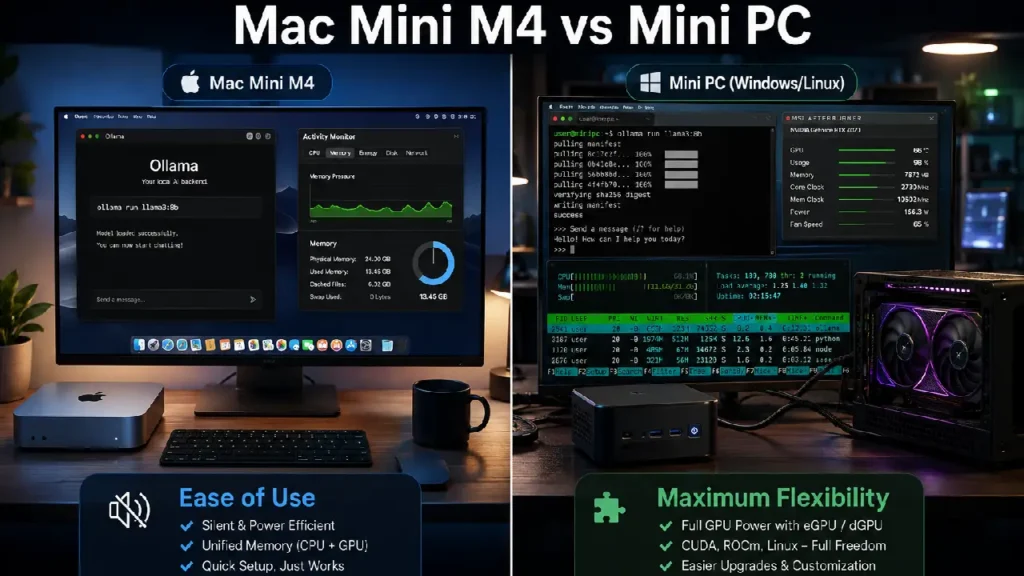
Pros and Cons: Mac Mini M4 vs Mini PC
| Feature | Mac Mini M4 | Mini PC |
|---|---|---|
| Ease of setup | Excellent | Moderate |
| AI beginner friendliness | Excellent | Good |
| GPU upgradeability | Poor | Excellent |
| CUDA support | No | Yes |
| Noise levels | Extremely quiet | Depends |
| Power efficiency | Outstanding | Moderate |
| Gaming | Weak | Better |
| Linux flexibility | Limited | Excellent |
| Long-term expandability | Limited | Better |
| Daily reliability | Excellent | Depends on setup |
Mini Case Study: Two Different Users
User A – Content Creator
Uses:
- Whisper transcription
- AI summarization
- YouTube scripting
- Local chatbots
- Coding assistant
Best choice?
The Mac Mini M4.
Why?
Because reliability and silence matter more than maximum GPU performance.
This person benefits more from:
- Low friction
- Fast wake/sleep
- Quiet operation
- Stable workflows
than from experimental flexibility.
User B – AI Hobbyist
Uses:
- Fine-tuning
- CUDA experimentation
- Linux containers
- Stable Diffusion heavily
- AI framework testing
Best choice?
Mini PC or desktop ecosystem.
Because eventually they’ll want:
- NVIDIA GPUs
- More VRAM
- Better cooling
- Hardware upgrades
This user will hit Apple ecosystem limits faster.
Quick Takeaway Box
If your goal is “using AI daily,” the Mac Mini M4 is often the smarter buy.
If your goal is “learning every layer of AI infrastructure,” a mini PC ecosystem makes more sense.
Those are not the same goal.
Step-by-Step: How to Choose the Right Machine
Choose the Mac Mini M4 If You:
- Want the least friction
- Care about quiet operation
- Mostly run inference, not training
- Use AI for productivity
- Want an appliance-like experience
- Don’t want driver headaches
Recommended configs:
- 24GB RAM minimum
- 32GB preferred for serious local AI
- 1TB SSD if storing multiple models
One mistake beginners make:
Buying the base RAM model thinking external SSDs solve everything.
Storage is easy to expand.
Memory is not.
For local AI, RAM matters more than beginners expect.
Choose a Mini PC If You:
- Want Linux-first workflows
- Need upgrade flexibility
- Want gaming + AI
- Plan to use NVIDIA GPUs later
- Enjoy tinkering
- Need CUDA
Recommended approach:
- AMD Ryzen-based mini PC
- 32GB+ RAM
- Fast NVMe SSD
- Avoid ultra-cheap thermal designs
Cheap mini PCs often throttle badly during long AI sessions.
That’s another thing benchmarks rarely show.
5 Non-Obvious Insights Most Reviews Miss
1. Idle power usage matters more than peak power
A desktop pulling high idle wattage becomes annoying if AI tools run all day.
The Mac Mini’s efficiency genuinely changes long-term usability.
2. Thermal throttling destroys “paper specs”
Some mini PCs benchmark well for 5 minutes.
Then performance drops hard during:
- Long transcription
- Continuous inference
- Batch processing
Cooling quality matters more than beginners think.
3. AI workflows reward consistency over peak speed
A machine that works instantly every day often beats a “faster” machine that requires maintenance.
This becomes obvious after a few months.
4. Storage speed affects local AI more than expected
Large models constantly load data.
Cheap SSDs can make a system feel sluggish even with good CPUs.
5. Most beginners overestimate their future AI needs
This is probably the biggest one.
People imagine they’ll fine-tune giant models constantly.
In reality, most users mainly:
- Chat with models
- Summarize documents
- Use coding assistants
- Run automation locally
That workload favors simplicity and consistency.
Not giant hardware.
Common Mistakes to Avoid
Buying based on benchmark videos alone
Benchmarks rarely measure:
- Noise
- Heat
- Setup friction
- Reliability
- Daily convenience
Those matter massively in real life.
Ignoring RAM requirements
AI models eat memory quickly.
If you can afford:
- More RAM
- Or more storage
Choose RAM first.
Assuming local AI always needs giant GPUs
Not anymore.
Modern quantized models changed everything.
A compact machine can now do surprisingly useful work.
Buying the cheapest mini PC possible
Cooling quality, SSD quality, and power delivery matter more than flashy specs.
Final Thoughts
Here’s my slightly opinionated conclusion:
Most beginners should stop buying “future-proof monster AI machines.”
Because most people never grow into them.
The best local AI machine is usually the one you’ll actually keep using every single day.
And surprisingly often, that ends up being:
- quieter,
- simpler,
- smaller,
- and less powerful on paper.
The Mac Mini M4 succeeds because it reduces friction.
Mini PCs succeed because they preserve freedom.
Neither is universally better.
But if you’re mainly trying to use AI rather than become an AI infrastructure engineer, the Mac Mini M4 is probably closer to what you actually need.
And that’s the part most hardware advice gets wrong.

About the Author
Amelia Morgan is a Editor at itsTechStudy.com with 15+ years of experience in the technology industry. I write about emerging innovations, AI, and digital trends-making complex topics simple and engaging for readers.
FAQ
Q1: Is the Mac Mini M4 good for local LLMs?
Ans: Yes - especially for 7B to 14B models, coding assistants, RAG systems, and productivity-focused AI workflows.
Q2: Can the Mac Mini M4 replace an NVIDIA AI PC?
Ans: For many beginners, yes. For advanced CUDA workflows, heavy fine-tuning, or large-scale image generation, no.
Q3: How much RAM do I need for local AI?
Ans: 24GB is a practical minimum now. 32GB or higher gives a much better experience for multiple AI tools.
Q4: Are mini PCs better for Linux AI setups?
Ans: Usually yes. They offer more flexibility, broader hardware compatibility, and easier upgrade paths.
Q5: Is gaming good on the Mac Mini M4?
Ans: Not compared to gaming-focused mini PCs or desktops. If gaming matters heavily, a mini PC may be the better balance.
Q6: Is a desktop still better than both?
Ans: For maximum AI performance, yes. But many people don’t actually need that level of hardware anymore.


No Comments Yet
Be the first to share your thoughts.
Leave a Comment