

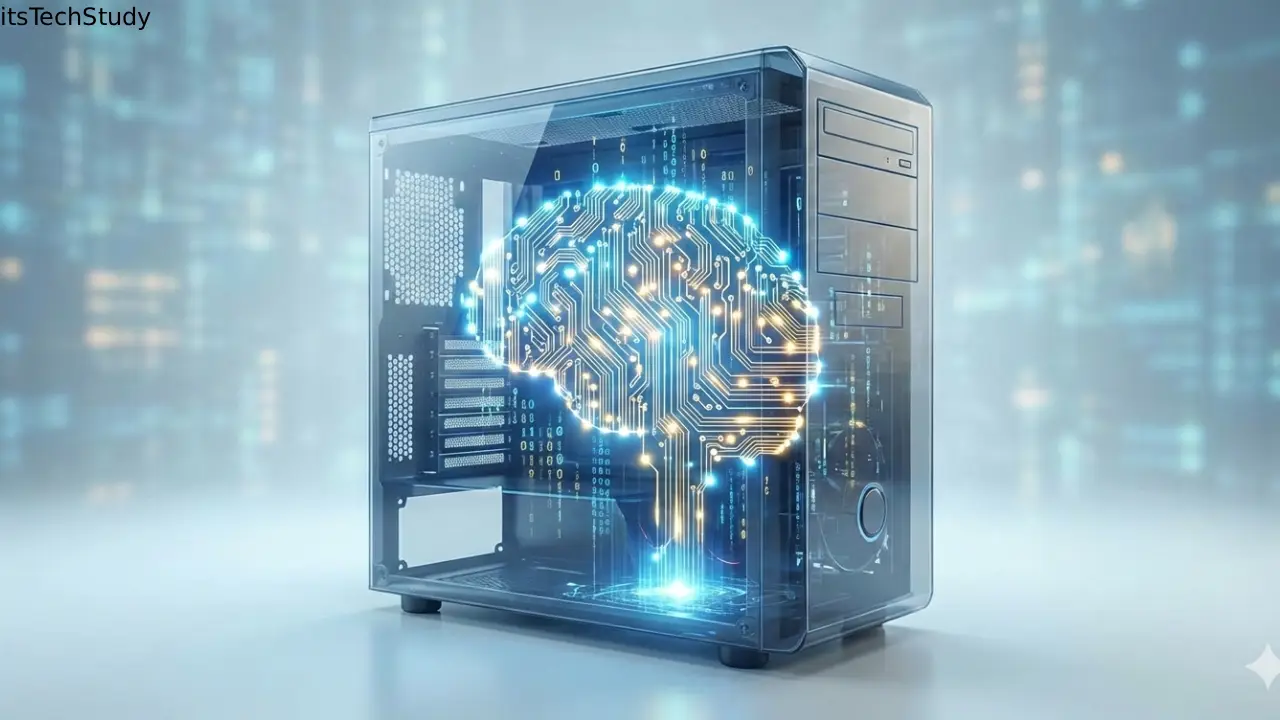
Introduction: Why Understanding Computer Internals Still Matters Today
Computers have become so powerful and user-friendly that most of us rarely think about what’s happening beneath the screen. We click, swipe, and type-expecting instant results. But when systems slow down, crash, or behave unpredictably, the lack of understanding suddenly becomes a problem. In today’s era of cloud computing, artificial intelligence, and high-performance hardware, knowing how a computer system works internally is no longer just for engineers. It helps students learn faster, professionals troubleshoot smarter, and enthusiasts make better hardware and software decisions. Understanding the internal working of a computer system bridges the gap between simply using technology and truly mastering it..
What Is a Computer System?
A computer system is an integrated combination of hardware and software that works together to process data into meaningful information. Internally, it follows a structured workflow: input -> processing -> storage -> output.
Core Components of a Computer System
A computer system consists of several essential components, each playing a specific role:
- Input devices – Keyboard, mouse, scanner
- Central Processing Unit (CPU) – The brain of the system
- Memory and storage – RAM and secondary storage
- Output devices – Monitor, printer, speakers
- Software – Operating system and applications
Together, these elements form the foundation of modern computing.
The Central Processing Unit (CPU): The Brain of the Computer
The CPU is responsible for executing instructions and controlling all system operations. Every command you give-opening an app, saving a file, or browsing the web-passes through the CPU.
Main Parts of the CPU
Control Unit (CU)
The Control Unit directs data flow within the computer. It fetches instructions from memory, decodes them, and tells other components what to do.
Arithmetic Logic Unit (ALU)
The ALU handles all mathematical calculations and logical comparisons, such as addition, subtraction, and decision-making operations.
Registers
Registers are ultra-fast storage locations inside the CPU used to temporarily hold data and instructions currently being processed.
Memory and Storage: Where Data Lives
Primary Memory (RAM)
Random Access Memory (RAM) temporarily stores data and programs that the CPU is actively using. More RAM means better multitasking and faster performance.
Secondary Storage
Secondary storage is used for long-term data retention, even when the computer is powered off.
| Storage Type | Speed | Cost | Common Use |
|---|---|---|---|
| HDD | Slow | Low | Large data storage |
| SSD | Fast | Medium | System boot & apps |
| NVMe SSD | Very Fast | High | High-performance tasks |
Motherboard: The Communication Hub
The motherboard connects all internal components, allowing them to communicate efficiently. It houses the CPU socket, RAM slots, expansion cards, and connectors for storage devices.
Key Functions of a Motherboard
- Power distribution
- Data communication
- Hardware compatibility
- System expansion support
Input and Output Devices: Interaction with the System
Input Devices
These devices allow users to provide data and commands to the computer.
- Keyboard
- Mouse
- Webcam
- Touchscreen
Output Devices
Output devices present processed data to the user.
- Monitor
- Printer
- Speakers
- Projector
Software’s Role in Internal Operations
Software acts as the bridge between users and hardware.
Operating System (OS)
The operating system manages memory, processes, hardware resources, and security. Examples include Windows, macOS, and Linux.
Application Software
These are programs designed for specific tasks such as web browsing, editing documents, or graphic design.
Step-by-Step: How a Computer Processes Data
- User enters data using an input device
- Data is stored temporarily in RAM
- CPU fetches instructions from memory
- ALU processes calculations
- Results are stored or sent to output devices
This process happens in milliseconds, making modern computers incredibly efficient.
Pros and Cons of Understanding Computer Internals
Pros
- Better troubleshooting skills
- Smarter hardware upgrades
- Improved learning in tech fields
- Enhanced cybersecurity awareness
Cons
- Initial learning curve
- Technical terminology can feel overwhelming
- Requires time and practice
Common Challenges Beginners Face
- Confusing RAM with storage
- Misunderstanding CPU performance metrics
- Ignoring motherboard compatibility
- Overlooking software-hardware interaction
Understanding these basics helps avoid costly mistakes.
Conclusion: From User to Smart Tech Thinker
Understanding the internal working of a computer system transforms the way you interact with technology. Instead of guessing why something isn’t working, you gain clarity and control. As computers continue to evolve with AI, cloud computing, and advanced chipsets, foundational knowledge remains timeless. Whether you’re a student, professional, or curious learner, mastering these basics prepares you for smarter decisions in a digital-first world.

About the Author
Tobias Hale is a technology writer and software analyst with a sharp eye on the ever-evolving world of digital innovation. With a deep passion for clean code, secure systems, and emerging technologies, Tobias brings clarity to complex topics - from the latest in operating system updates to cutting-edge software security practices.
FAQs: Internal Working of a Computer System
Q1: Why is the CPU called the brain of the computer?
Ans: The CPU controls all operations, processes instructions, and makes decisions, similar to how the human brain functions.
Q2: Is RAM more important than storage?
Ans: Both are important. RAM affects speed and multitasking, while storage determines how much data you can save.
Q3: How does software control hardware?
Ans: Software sends instructions through the operating system, which translates them into hardware actions.
Q4: Can a computer work without an operating system?
Ans: Technically yes, but it would be unusable for most users without an OS to manage resources and interaction.
Q5: Does understanding internals help non-tech users?
Ans: Absolutely. It helps users troubleshoot issues, choose better systems, and use technology more efficiently.




No Comments Yet
Be the first to share your thoughts.
Leave a Comment